
Neu workflow · 3 steps · 5 products
Offline iPhone toolkit
Download local AI chat, creative music tools, and games once, then use them on flights or commutes with airplane mode on.
Who this workflow is for
Travelers, commuters, and anyone who wants private on-device AI and creative apps with no Wi-Fi required.
How our tools connect
- Step 01 · Offline AI Chat
Download a local model in Offline AI Chat
Install one language model while connected to Wi-Fi. After download, ask questions and draft writing completely offline.
Offline AI Chat - Step 02 · Draw a Tune
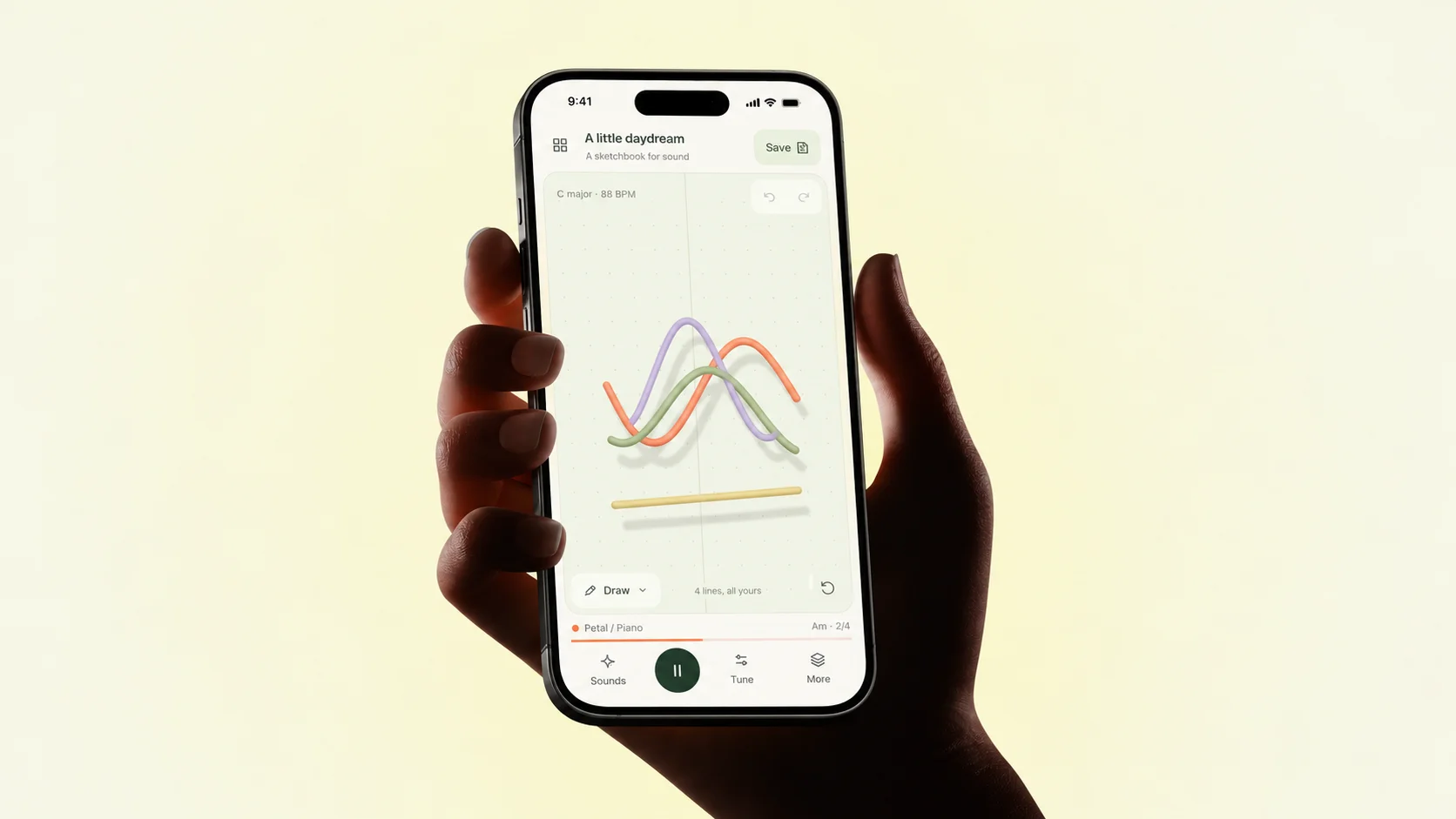
Sketch musical ideas with Draw a Tune and Blendwave
Draw lines that become four-bar loops in Draw a Tune, or blend four sound layers with one finger in Blendwave and save recordings locally.
Draw a Tune - Step 03 · Haptic ASMR
Unwind with Haptic ASMR and Sky Courier
Use 20 tactile sound-and-vibration toys in Haptic ASMR or fly package routes across six cities offline in Sky Courier.
Haptic ASMR
Requirements and limits
- Offline AI Chat requires an initial model download over Wi-Fi before airplane-mode use.
- All five apps work without an account or mobile data connection.
More Neu workflows
Want a custom workflow built for your team?
Book a free 30-minute call and describe one task you want an agent to run.