Magic Tap adds touch input with a laptop camera and microphone
Magic Tap combines gaze estimates and tap sounds to select six large buttons. The experiment uses the camera and microphone already in a laptop.
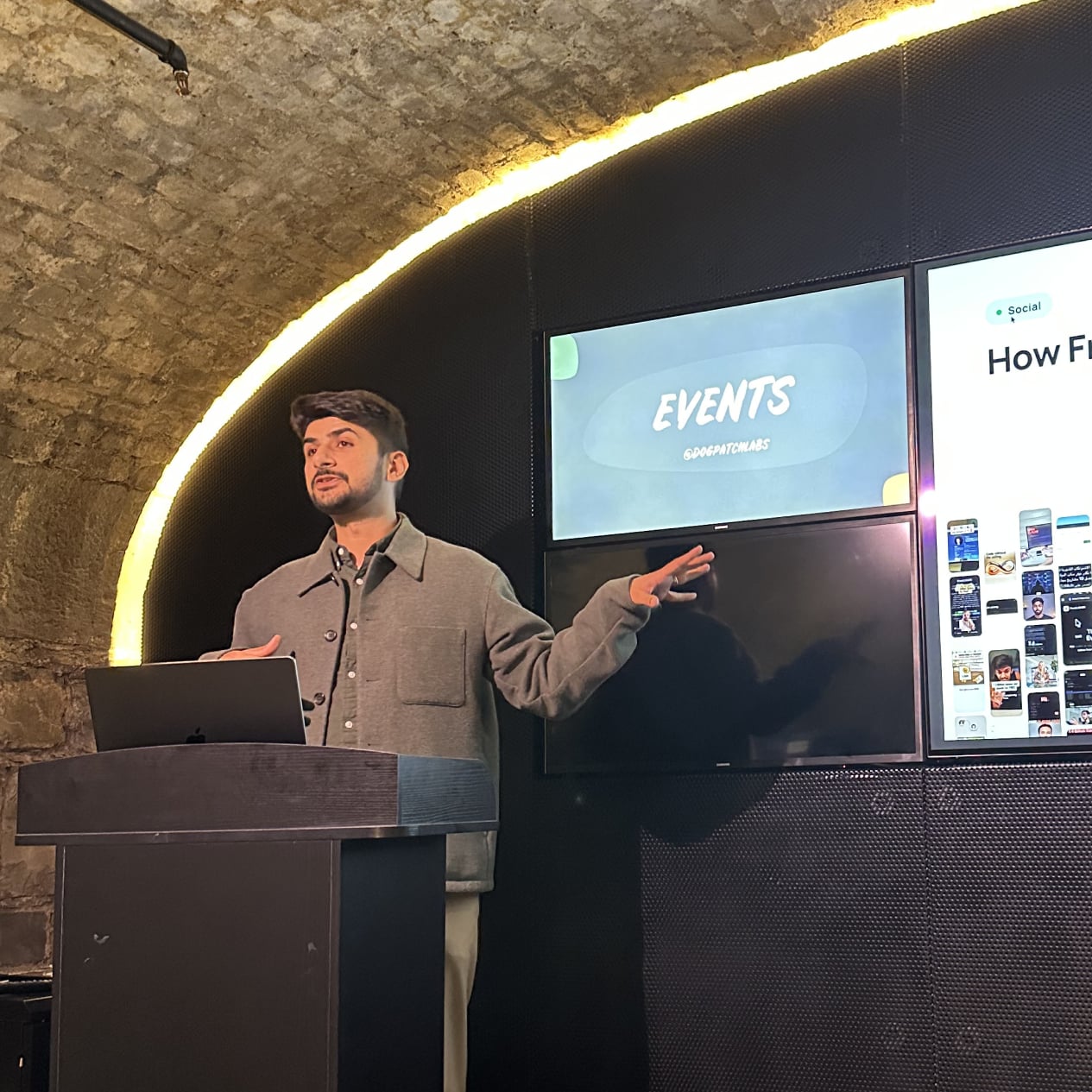
Magic Tap is an open-source experiment in touch input. Our founder Tashfeen built it with the camera and microphone already in a laptop.
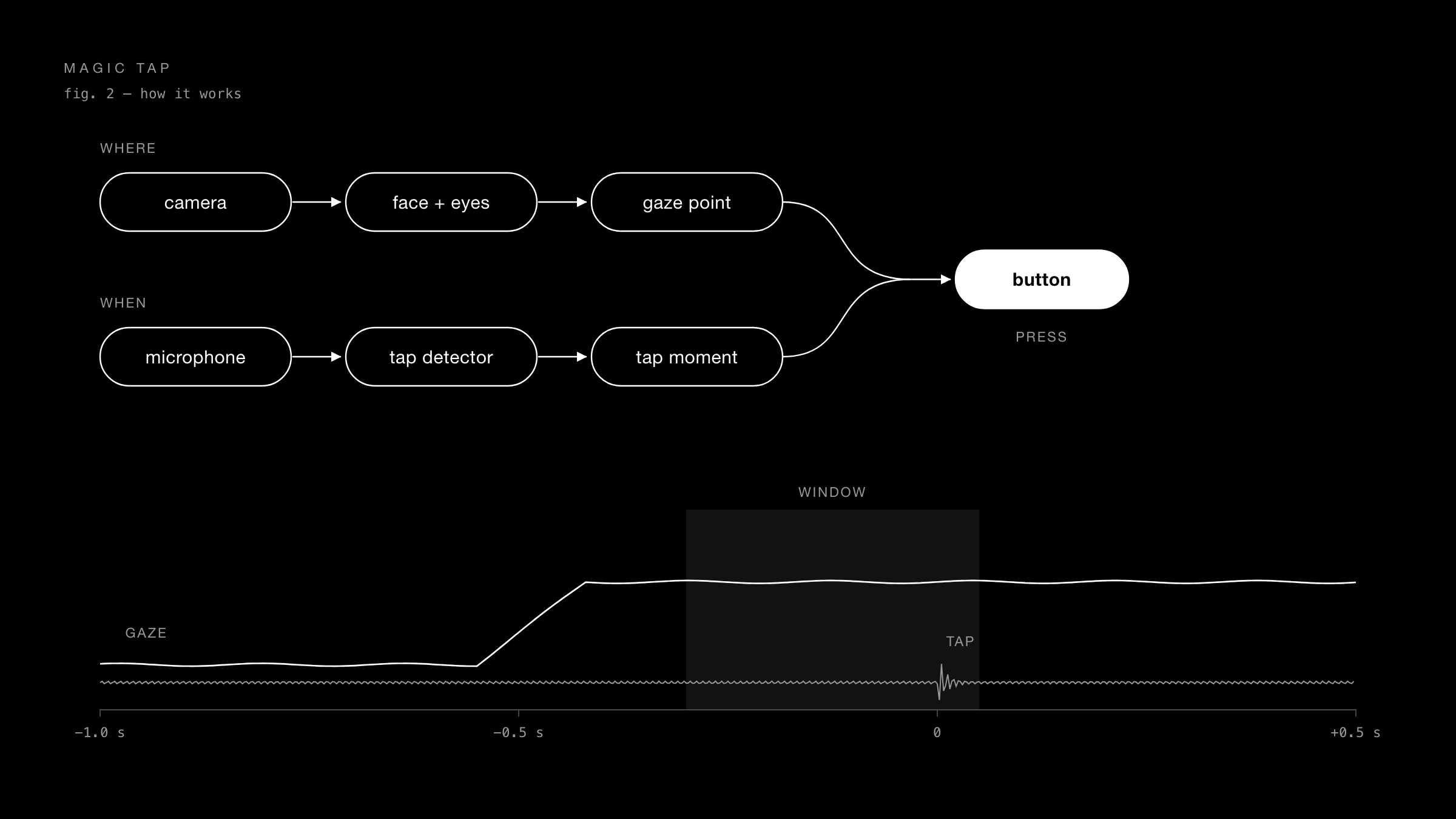
The display has no new touch sensor. You look at a large button and tap the screen. The software uses the camera and microphone signals to select a button.
Why the camera cannot follow the finger
A laptop webcam faces the user, not the display. When a fingertip touches the screen, the camera cannot see it.
The experiment therefore separates two questions:
- Where does the user look?
- When does the user tap?
The camera estimates gaze direction. The microphone detects the sound of a tap on the screen.
How the signals select a button
The experiment uses three methods:
- Audio: logistic regression uses audio features to distinguish screen taps from other sounds, such as speech and keyboard input.
- Gaze: a ResNet-18 network estimates gaze direction. Face tracking and personal calibration map the estimate to a screen position.
- Body pose: BlazePose experiments use visible shoulders, arms, and hands to study the reach toward the screen.
The current button-selection path uses gaze and audio. When the software detects a tap, it examines where the gaze settled near that time.
If the signals do not identify a button clearly enough, the software can reject the input.
Results and limits
The first setup includes eye and tap training. Later sessions start with a short calibration across six dots, which takes approximately 15 seconds.
This calibration adjusts for the seat position, display angle, and light.
In an offline evaluation, the system selected the correct button on all 18 held-out presses on a six-button screen after calibration. This is the source of the 100% result.
The evaluation used one person and recorded finger rests. It did not test the complete live audio and vision path. Tap detection had a separate measured accuracy of 91–95%.
The system remains an early experiment. Only its maker has tested it, and it is intended for large buttons. Further evaluation is necessary for small controls and new users.
A possible interface for agents
One possible use is to answer a question from an AI agent. The agent could show a few large choices for a draft or next action.
A look and a tap could select one choice. This is a proposed use, not a tested product feature.
The experiment asks whether a few reliable touch inputs are useful without extra hardware.
The code, setup instructions, and measurements are on GitHub. You can use the project to test other possible interfaces.
Thank you for your time.
More posts